
4.67
(3 Ratings)

WordPress Website Mastery

Wishlist Share
Share Course
Page Link
Share On Social Media

About Course

WordPress Website Mastery

Build. Launch. Grow. Your Website – No Code Needed.

Tired of depending on developers, feeling overwhelmed by complicated tools, or wasting time on DIY site builders that don’t deliver?

WordPress Website Mastery gives you the skills and confidence to build your own professional website from scratch – even if you’ve never done it before.

This beginner-friendly, step-by-step course is designed for entrepreneurs, freelancers, and anyone ready to take control of their online presence. You’ll learn how to build a powerful, good-looking website that works for you – all without touching a single line of code.

Start strong, finish with a website you’re proud of.

By the end of this course, you won’t just have a website – you’ll have the skills to manage it, improve it, and make it work for your goals.

Join WordPress Website Mastery today and start building your online future.

Show More

What Will You Learn?

  • You’ll begin by understanding how websites work — from hosting and domains to the basics behind the scenes, all explained simply.
  • Then, you’ll learn how to pick and register a domain name that fits your brand and is easy to remember.
  • Setting up your website will be easy with step-by-step guidance to choose hosting and install WordPress, even if you’re new to this.
  • You’ll discover how to design your site using Divi and starter templates, creating beautiful pages without any design skills.
  • Customizing your site will be straightforward as you edit content, change colors, organize menus, and make the site truly yours.
  • You’ll build contact forms and connect email marketing tools like MailChimp to grow your audience automatically.
  • You’ll also learn how to organize pages and posts to keep your site clear and professional.
  • Finally, you’ll gain the confidence to launch, secure, and grow your website for the long term.

Course Content

The Fundamentals
Clarifying the fundamentals.

Getting Your Website Started
Now that you understand the foundation of website development, it's time to begin the actual process of building your site. In these lessons, we walk through setting up your WordPress installation, selecting the right theme, and preparing your website for customization. You’ll be introduced to essential tools like the Divi theme and starter templates, and learn how to install them properly to give your site a solid visual and technical framework. By the end of this section, your website will be installed, themed, and ready to customize.

Building Your Website
With your website set up and ready, it's time to start shaping it into something functional and visually appealing. In this section, you’ll learn how to adjust essential settings like permalinks, time zones, and site identity. You'll also dive into building out pages using Divi’s visual builder, explore pre-made layouts, and discover how templates can save you time and effort. These lessons focus on creating a smooth structure and layout that aligns with your goals. By the end of this section, you’ll be confidently crafting a professional website foundation that’s both functional and visually appealing.

Customizing Your Website
With your website structure in place, it’s time to make it your own. In this section, you’ll learn how to customize your pages and menus to improve navigation, adjust colors and layouts to match your brand, and optimize images for better performance and faster loading. You’ll also explore essential plugins that add useful features and help your site run smoothly. By the end of these lessons, your website will look polished, feel professional, and be ready to engage your visitors effectively.

Website Content Management
Now that your website’s design is shaping up, it’s time to focus on managing your content effectively. These lessons cover how to efficiently duplicate and organize sections to maintain consistency across your site. You’ll learn the difference between pages and posts, how to create and edit both, and how to use templates to streamline your workflow. By mastering content management, you’ll keep your website organized, up-to-date, and easy to navigate for your visitors.

Maximizing Your Website
In this final section, you’ll learn how to make your website a powerful tool for connection and growth. You’ll discover how to create and manage online forms that engage your visitors, integrate email marketing tools like MailChimp to build your audience, and set up professional email addresses linked to your domain to enhance your brand’s credibility. You’ll also explore strategies to successfully launch, secure, and monetize your website, ensuring it works effectively for your personal or business goals. This knowledge will equip you to unlock your website’s full potential and turn it into a valuable asset.

Webmaster Support

Earn a certificate

Add this certificate to your resume to demonstrate your skills & increase your chances of getting noticed.
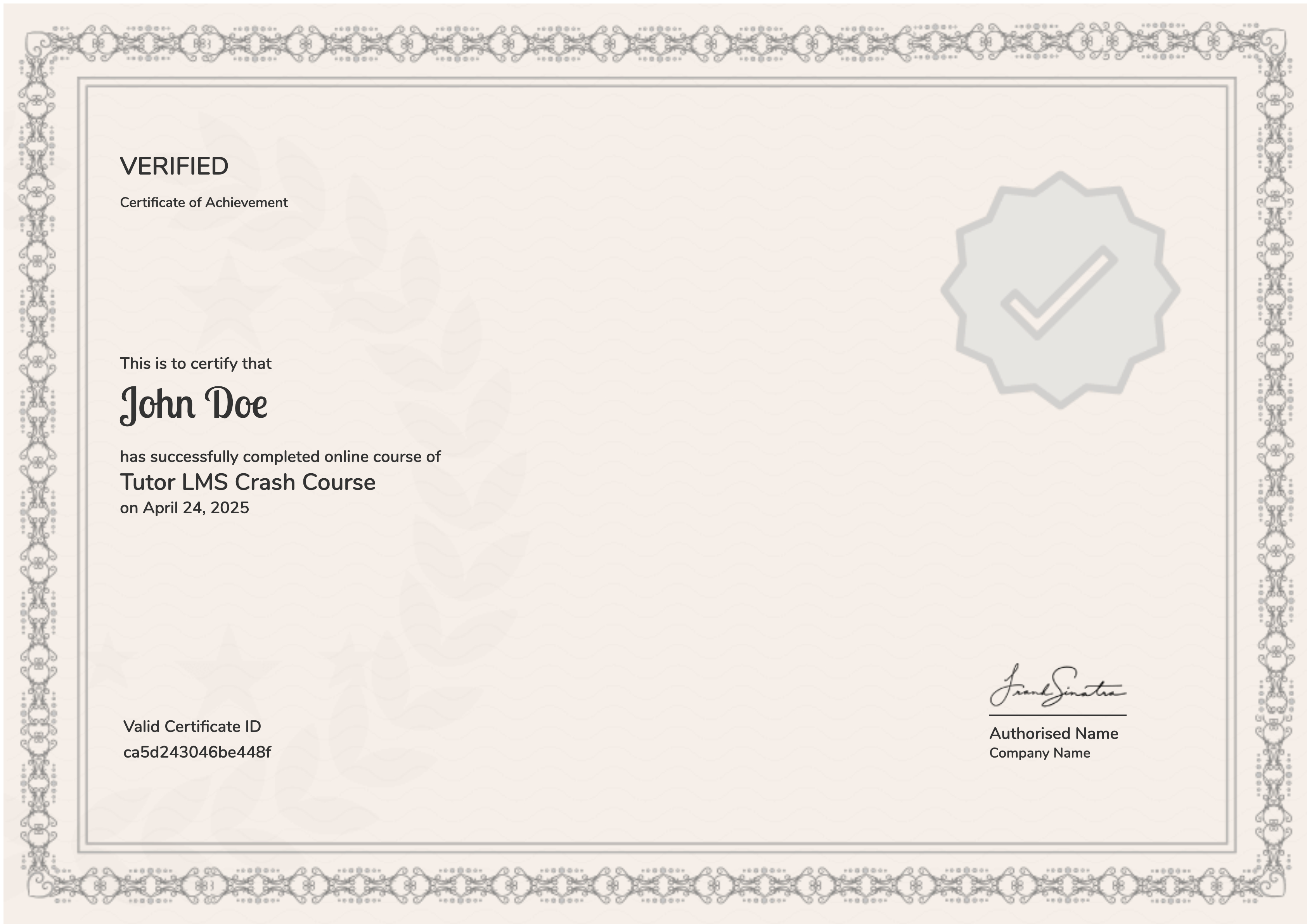
selected template

Student Ratings & Reviews

4.7
Total 3 Ratings
5
2 Ratings
4
1 Ratings
3
0 Rating
2
0 Rating
1
0 Rating
Eniola Odunaike
3 weeks ago
I learnt how to create a website and I've been able to create mine successfully
EE
1 month ago
Very useful and impactful
MG
2 months ago
it was very detailed and explanatory easy to follow

Want to receive push notifications for all major on-site activities?